How to Launch Your Restaurant Ordering App in 72 Hours: The Complete 2026 Guide
Launch a restaurant app in 72 hours instead of 6 months: the complete 2026 guide to ship your website, iOS and Android apps with no developer and no insane budget.
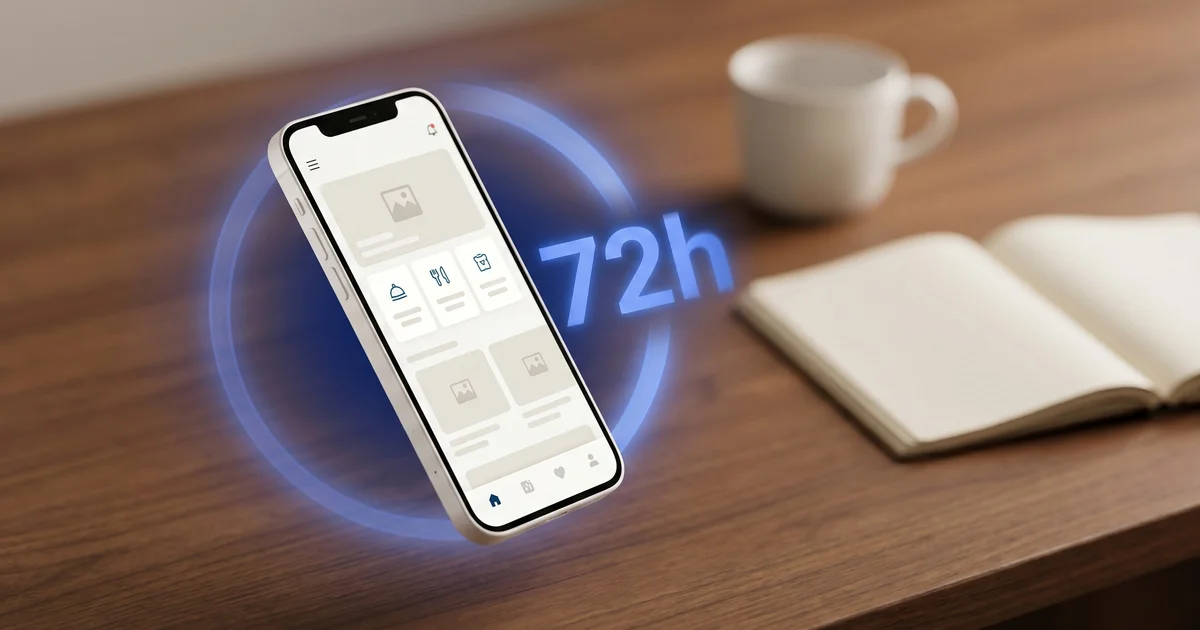
You have made the call: your restaurant needs its own ordering app. The only question left is the one that stops everyone in their tracks. How do you launch a restaurant app without burning six months and $30,000? Good news, the equation flipped in 2026. What used to require a full custom build cycle can now ship in 72 hours flat, iOS and Android included, approved by the stores. This guide is built for restaurant owners ready to act. Here is the method, the steps, the checklist and the first weeks after launch.
What your restaurant app must do in 2026
Before talking tools, let’s set the bar. A modern restaurant ordering app must cover the entire customer journey without breaking. That starts with a smooth menu navigation, product cards with high-resolution photos, options and add-ons, allergens and nutritional info. Online ordering must work for the three main channels: delivery, click & collect and dine-in via QR code.
On payments, you want native checkout right inside the app (card, Apple Pay, Google Pay) with the money landing directly in your own account. Loyalty is no longer optional: configurable points, customer referrals, promo codes and automated promotions like happy hour or weekday lunch specials. Push notifications to re-engage dormant customers are non-negotiable, and so is a customer account with order history and one-tap checkout.
Finally, the app must be available natively on iOS and Android, alongside a website and mobile app combo to catch new visitors via search. If a single one of these blocks is missing, you are leaving real revenue on the table.
The old way: custom development (3 to 6 months, $15,000 to $50,000)
Here is the classic path for a restaurant owner who decides to have their app built by an agency or a freelancer. Phase 1: writing the spec and selecting the vendor, plan for 2 to 4 weeks. Phase 2: UX/UI mockups and validation, 3 to 6 weeks. Phase 3: parallel iOS and Android development (often two teams, sometimes two different tech stacks), 8 to 16 weeks. Phase 4: payment, delivery, loyalty and back-office integrations, another 3 to 6 weeks.
Then comes the most painful phase: store submission. Apple is strict on guidelines, Google on compliance. Rejections, fixes, resubmissions. Plan for 2 to 4 weeks of real friction. Once live, maintenance kicks in: iOS and Android updates every six months, bug fixes, new features. The typical recurring cost lands between $500 and $2,500 per month depending on the vendor.
The real total for a custom project in 2026: 3 to 6 calendar months and an initial budget between $15,000 and $50,000, before maintenance. For 80% of independent restaurants, this model has become economically absurd.
The 2026 way: a SaaS platform that ships in 72 hours
The paradigm has flipped. A SaaS platform specialized in restaurants pools the development investment across thousands of venues and delivers a product already built, already tested, already approved by Apple and Google. You don’t pay for development, you pay for usage. You don’t configure a payment API, the Stripe integration is ready. You don’t prototype a checkout flow, it has been battle-tested across millions of transactions.
Our XPRIO solution is built on this model. A single subscription covers the whole thing: responsive website, native iOS app, native Android app, dedicated driver app, management back-office, full loyalty program and integrated payments. Everything launches together, no artificial phasing. No “website first, app later.” Mobile already accounts for more than 70% of restaurant traffic according to industry studies published by Statista, so postponing it would be absurd.
The concrete difference: around twenty pre-built restaurant themes, colors and logo customizable in a few clicks, manual or CSV menu import, map and navigation integrations ready out of the box, and most importantly a team that submits your apps to the stores on your behalf using your Apple Developer account and Google Play account.
Your iOS + Android app live in 72 hours
XPRIO delivers website, native mobile apps, loyalty and integrated payments in a single subscription. No developer, no setup, no budget surprises.
The 5 concrete steps to go live in 72 hours with XPRIO
Here is the detailed timeline. This is not marketing, it is the real sequence followed by the restaurant owners who joined the platform over the past few months.
1. Day 0 morning (1h): account creation and theme selection. You create your XPRIO account and pick one of around twenty themes built for different formats (pizzeria, burger joint, sushi, bistro, fast-casual, dark kitchen). You upload your logo, set your primary and secondary colors, and watch the preview update in real time.
2. Day 0 afternoon (3h): menu import. You enter your categories, items, prices, options and add-ons. For large menus, CSV import or duplication speeds things up. You add product photos (10 to 20 minimum for a strong storefront effect). You configure allergens and availability by time slot.
3. Day 1 morning (2h): Stripe and payments. You create your Stripe account for restaurants if you don’t already have one, then pass your API keys to XPRIO through the secure interface. The money lands directly in your account, XPRIO is never the middleman. You toggle Apple Pay and Google Pay as options.
4. Day 1 afternoon (2h): loyalty, delivery and team. You activate loyalty points ($1 = X points, configurable), create your welcome promo codes, set up your promotions (happy hour 5pm to 7pm, weekday lunch menu, weekend deal). You define your delivery zones on an interactive map, your click & collect slots, your managers and your drivers.
5. Day 2 to Day 3: store submission. The XPRIO team submits your apps to the App Store and Google Play Store using your developer accounts. Reviews typically take 24 to 48 hours. In the meantime, your website is already live and you can start taking orders.
Total active time on the restaurant owner’s side: roughly 8 hours spread across 3 days. The rest is the stores reviewing in the background.
The checklist to prepare BEFORE you start
The classic mistake is to jump in without prepping your assets. The result: a 72-hour project that slides to two weeks. Here is the exact checklist to have ready before you click “create my account.”
- High-resolution logo: ideally vector (SVG) or transparent PNG at 1024x1024 minimum.
- Color palette: one primary color (hex code) and one secondary at minimum, ideally one neutral tertiary.
- Complete and up-to-date menu: every category, every item, prices including tax, options and add-ons, short descriptions.
- Product photos: 10 to 20 photos minimum, square 1200x1200 pixel format, neutral background, even lighting.
- Delivery terms: precise zones (zip codes or radius in miles), hours by day, delivery fees, minimum order.
- Click & collect terms: pickup slots, minimum prep time, capacity per slot.
- Apple Developer account ($99/year) and Google Play Developer account ($25 one-time). The XPRIO team can help you create them if needed.
- Professional Stripe account: create it online if you haven’t already, quick verification with your business documents.
- Business EIN and bank account to enable payouts.
Get these assets organized in a dedicated folder on your computer the night before launch. You will save several hours.
The first 30 days after launch
Launching the app is only the first half of the work. The second half is driving downloads and locking in a real retention loop. Here is the proven playbook.
Week 1: announcement and downloads. Print QR codes on tables, placemats, takeout bags and receipts. Display a “Our app is live” window cling on the storefront. Post on Instagram, Facebook and TikTok with a 15-second demo. Send an SMS or newsletter to your existing customer list. Realistic target: 100 to 300 downloads in the first week depending on your traffic.
Weeks 2 and 3: kick the viral loop into gear. Now is the time to activate referrals (the friend gets $5 off, the referrer gets $5 off their next order) and a one-time welcome promo code (“FIRST10”: 10% off the first app order). Launch your first targeted push notifications, for example a happy hour push at 4:45pm.
Week 4: analyze and iterate. Open your back-office and look at the real numbers: orders by channel (delivery, click & collect, dine-in), average ticket by channel, visit-to-order conversion rate, repeat-order rate. Adjust your configurable promotions accordingly. If you want to go deeper, our dedicated article on loyalty mechanics breaks down the most profitable levers.
| Criteria | Custom development | XPRIO SaaS |
|---|---|---|
| Launch time | 3 to 6 months | 72 hours |
| Upfront cost | $15,000 to $50,000 | $0 setup |
| Pricing model | $500 to $2,500/month maintenance | Fixed monthly subscription (pricing page) |
| Native iOS + Android | Yes, to build | Yes, included |
| Website | Often separate | Included |
| Driver app | To build | Included |
| Loyalty and promos | To build | Included |
| Integrated payments | To integrate | Stripe included |
| Store updates | On you | Included |
3 days to join the mobile era
Website, iOS app, Android app, loyalty, payments and driver app. One subscription, zero developer. Start your trial and switch with no commitment.
Start my free trialConclusion: time to act
Let’s recap what this guide locked in:
- Launch time dropped from 3-6 months to 72 hours flat thanks to the SaaS model. Comparing our pricing page with an agency quote tells the whole story.
- The upfront budget dropped from $15,000-$50,000 to zero setup fees, with a predictable monthly cost.
- The functional scope of a SaaS platform today exceeds that of a standard custom build (driver app, advanced loyalty, multi-channel).
- The only real work on the restaurant owner’s side is preparing assets (logo, photos, menu) and clicking. The rest is automated or handled for you.
There is no technical reason left to wait. The barrier to entry for restaurant mobile is gone. If you read this guide to the end, you have already done the cost-benefit math. The only variable left is the date you decide to start. Prep your assets tonight, create your account tomorrow morning, and you will be taking your first order from your own app within 72 hours. It really is that simple in 2026.
Frequently asked questions
What does it really cost to launch a restaurant app in 2026?
Custom development starts between $15,000 and $50,000 for iOS + Android, before maintenance. A SaaS platform like XPRIO runs on a fixed monthly subscription, everything included, with no setup fees and no per-order commission.
How long does it take to build a restaurant ordering app?
With an agency or a freelancer, plan for 3 to 6 months between the brief, design, iOS build, Android build and store approvals. With a pre-approved SaaS solution, 72 hours is enough.
Can you launch a restaurant app without a developer?
Yes. SaaS platforms built for restaurants ship native iOS and Android apps configurable without a single line of code. You customize the brand, import your menu and submit to the stores.
Do you need an Apple Developer account to publish a restaurant app?
Yes. Apple requires a Developer account at $99 per year and Google Play a one-time $25 account. Both accounts stay in your name, so you remain the owner of your apps.
What is the difference between a native app and a website for a restaurant?
The website captures new customers through search, the app retains regulars with push notifications and one-tap checkout. The two are complementary and should be launched together.
Get hands-on with XPRIO
Mobile app, website, order management: all live in 72h. No commitment.
Start my free trialRelated articles
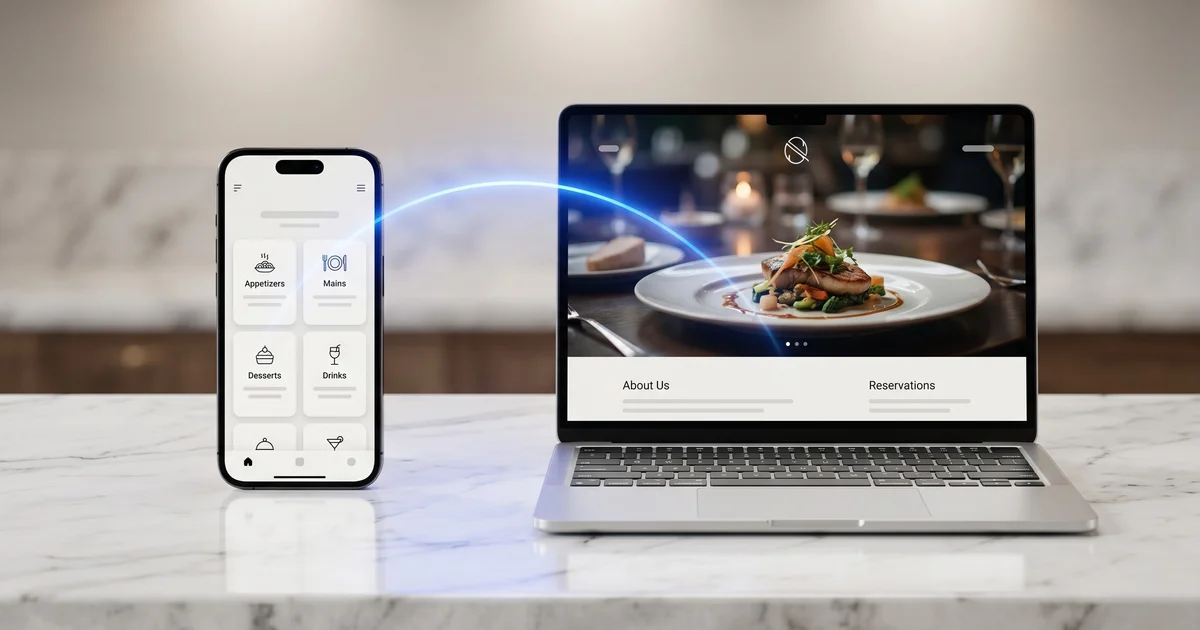
Restaurant Mobile App vs Website: Which Should You Choose in 2026?
Restaurant mobile app and website: why both channels complement each other and how to launch them together to maximize your results in 2026.
Stripe for Restaurants: The Complete Guide (and Why It Beats a Traditional POS Terminal)
Stripe restaurant payment: complete 2026 guide. Detailed Stripe vs traditional POS terminal comparison, fees, security, Apple Pay and integration.
Click & Collect, Delivery, or Pickup: Which Channel Should Your Restaurant Choose in 2026?
Click and collect, delivery, or takeout: a complete comparison of costs, margins, and strategy to pick the right channel for your restaurant in 2026.