How to Create a Free QR Code Menu for Your Restaurant (2026 Guide)
Free QR code menu for restaurants: the step-by-step method with a PDF and a free generator, its limits, then QR code table ordering with XPRIO.
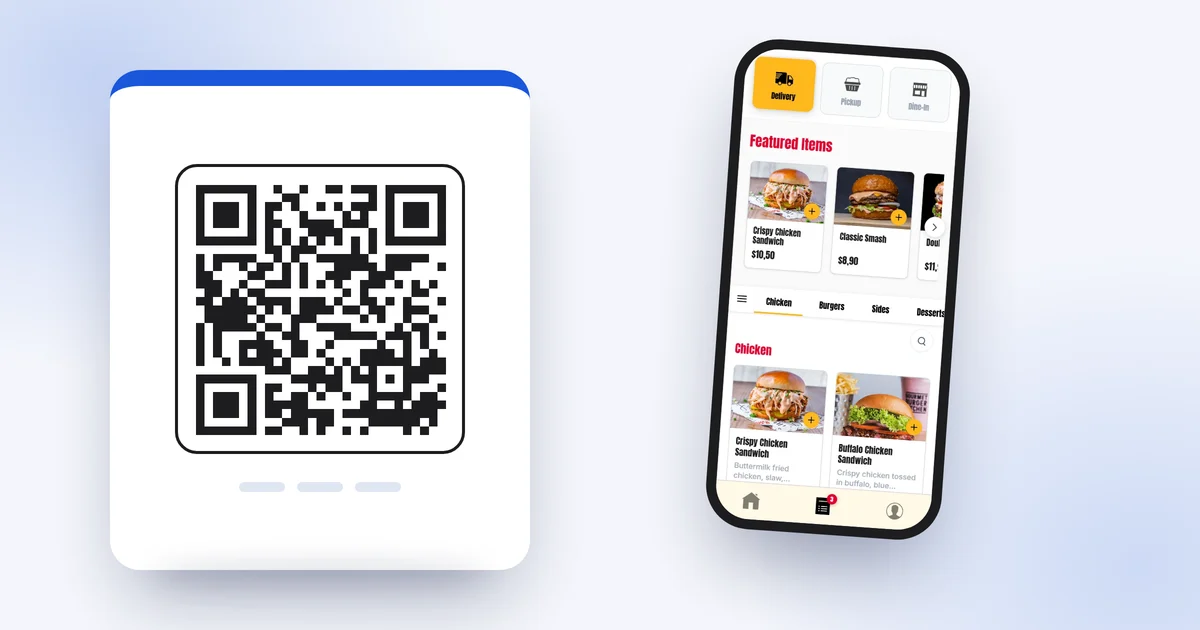
QR code menus are now a familiar sight on restaurant, pub and café tables. For customers, scanning has become second nature: point the camera, read the menu, choose. For you, it is a menu that never gets sticky, never goes missing and can be kept up to date. The good news: you can create a free QR code menu in under an hour, with no technical skills and no subscription.
This guide walks you through the free method step by step, including the traps to avoid (such as QR codes that expire). We then look honestly at its limits, and finally at the interactive option: one QR code per table that lets customers order and pay, not just read. You can then decide which suits your venue.
What exactly is a QR code menu?
A QR code is simply a shortcut to a web address. When a customer scans it, their phone opens that address. So everything depends on what sits behind it:
- A PDF file: a digital copy of your paper menu. The customer zooms in, scrolls and reads.
- An online menu: a proper web page with categories, a photo for each dish and options.
- A menu with ordering: the same page, but customers can add dishes to a basket, order and pay from the table.
The first two are for browsing. The third changes how your service actually runs. The free method relies on the first, and it is a perfectly good starting point for a small venue.
The free method in 5 steps
Step 1: create your menu as a PDF
If you already have a PDF menu, skip to step 2. If not, the free XPRIO menu maker lets you build one directly in your browser: restaurant name, logo, accent colour, categories, dishes, descriptions and prices. There are five layout styles to choose from, and the preview updates live.
It is free, with no sign-up and no card details. Your data stays in your browser: nothing is sent to our servers. Once you are happy with the menu, click “Download as PDF” and choose “Save as PDF” in the print window. You get an A4 file ready to use.
To keep the menu readable on a phone:
- Use a generous text size: customers are reading on a 6-inch screen, not an A4 sheet.
- Keep descriptions short; one line per dish is plenty.
- Show allergens clearly, dish by dish or with a key.
- Use as few pages as possible: beyond 2 or 3, customers get lost scrolling.
For more on structuring the menu itself, read our guide on how to create a restaurant menu.
Step 2: put the PDF online at a stable address
The QR code needs to point to a public address. Three free or nearly free options:
- Your own website, if you have one: upload the PDF to a folder and copy its link.
- An online storage service: share the file with public read access and copy the share link.
- Your business listing or social profiles: some let you add a link to your menu.
The key point is a stable address. When your prices change, you will replace the file. If the address changes, every printed QR code becomes useless. So check that your option lets you replace a file while keeping the same link.
Step 3: generate a static QR code
Any free QR code generator will do. Paste your link and download the image as a high-resolution PNG or, better still, as an SVG (vector, sharp at any print size).
Watch out for the most common trap: many generators default to a dynamic QR code. The code then points to their own server, which redirects to your menu. Handy, but often free only during a trial period. When it ends, the QR code stops working or shows an advert, and your customers land on an error page. Choose a static QR code instead: it contains your address directly and never expires.
Step 4: print and set up your displays
The most common options:
- Table tents in acrylic or wood, roughly £2 to £5 each depending on the material.
- Stickers on the table, as long as they are laminated and survive cleaning.
- A poster or chalkboard at the entrance and the counter, for customers waiting or ordering takeaway.
For a room of 15 tables, budget roughly £30 to £75 for table tents, plus a few pounds of printing. That is the only real cost of the method.
Step 5: test before printing in bulk
Print a single copy and test it with at least two different phones (an iPhone and an Android), under the real lighting in your dining room, evening included. Check that the PDF opens quickly on mobile data, not just on Wi-Fi. Only then should you print for every table.
Placing and printing your QR code properly
A badly printed QR code is a QR code nobody scans. Here is the checklist:
- Size: at least 2 to 3 cm square. On a table tent read from 30 to 40 cm, aim for 3 to 4 cm. Rule of thumb: scanning distance ÷ 10 = minimum size.
- Contrast: a dark code on a light background. Avoid light codes on dark backgrounds, and pale colours that look nice but some phones struggle to read.
- Quiet zone: leave an empty margin around the code, about four modules wide (the small squares). Without it, scans often fail.
- No glare: a matt laminate works better than gloss under spotlights.
- Placement: at eye level for someone seated, visible from every seat. On a large table, use two.
- A call to action under the code: “Scan to see the menu”, or “Scan to order” if customers can order. Without a line of text, many people do not know what they will find.
- A plan B: keep a few paper menus for customers without a phone or with a flat battery.
One QR code per table that takes orders
Customers browse the menu, order and pay from their phone. The order reaches the kitchen with the table number. 10-day free trial, no card required.
The limits of a PDF QR code menu
The free method works. But it has limits worth knowing before you settle on it for the long term.
Every price change means a new PDF
A dish sells out, a new special, a rise in ingredient costs: each time, you have to edit the menu, export the PDF again and replace the file online. If the address changes along the way, you reprint every QR code. In practice, many PDF menus end up showing out-of-date prices, which leads to awkward moments when the bill arrives.
A PDF takes no orders
The customer reads the menu on their phone, then waits for someone to come and take the order. You have removed the paper, not the wait. At peak times, that is exactly where time is lost: between the customer sitting down and ordering, then between finishing the meal and paying.
No photo per dish, no allergen filter
A PDF is a static page. Adding a photo for each dish makes the file heavy and slow to open on mobile data. Customers cannot filter the menu or open a dish to see its options and allergens. They zoom and scroll, which is less comfortable than a proper online menu.
No data on what is happening
You have no idea which dishes are viewed, or which are ordered from the menu. A PDF tells you nothing about your customers.
The interactive option: QR code table ordering
The next step is to replace the PDF with a menu that takes orders. That is what XPRIO QR code ordering does:
- One QR code per table. Each code knows its table number.
- A menu that is always up to date. A new price or a sold-out dish is changed in seconds from the dashboard, with nothing to reprint.
- Ordering and paying from the phone, with no app to download and no account to create: the customer scans, chooses and orders.
- The order reaches the kitchen with the table number, in real time, on the orders screen and on the kitchen screen. It is entered by the customer, with their options and notes: no input errors.
- Photos and options for each dish, to make adding a drink or a dessert more tempting.
Your team stops chasing orders and focuses on welcoming and serving guests. And tables turn faster when customers wait neither to order nor to pay.
Comparison: free PDF menu or table ordering
| Criteria | PDF QR code menu | XPRIO table ordering |
|---|---|---|
| Software cost | £0 | Fixed subscription, no commission |
| Set-up | About 1 hour | A few hours, or menu entered for you |
| Price change | New PDF to export and replace | A few seconds, live straight away |
| Photo per dish | Rarely (heavy file) | Yes |
| Ordering from the table | No | Yes, with the table number |
| Paying from the phone | No | Yes |
| App to download | No | No |
| Sales data | None | Sales, best-selling items, peak hours |
How much does the interactive version cost?
XPRIO is a fixed subscription: £109 a month in the UK, with no commission on your sales, no set-up fee and no contract. Table ordering is included, along with everything else: your ordering website, your own iOS and Android apps under your brand, loyalty, push notifications and the kitchen screen. Full details are on the pricing page.
You can try it before deciding: the free trial lasts 10 days, with no card required and every feature included. Table ordering and the ordering website work from day one of the trial, the same day. Your apps on the App Store and Google Play go live a few days after you subscribe. And if you would rather not type everything in, send your menu (PDF, photo or link) through the built-in messaging: the team will set it up for you within 1 business day.
Which method should you choose?
The free PDF method works well if:
- your menu rarely changes (a few times a year);
- you have few tables and taking orders is not a bottleneck;
- you simply want to replace paper menus without changing how you serve.
Table ordering makes sense if:
- your prices or specials change often;
- your team is stretched at peak times;
- you want tables to turn faster and the average spend to rise;
- you also want to sell online (takeaway, delivery) from the same menu.
Nothing stops you starting with the free method and moving to table ordering once the PDF becomes a burden. Your menu is not lost: it can be carried over as it is.
Move from a PDF menu to table ordering
One QR code per table, a menu that is always up to date, orders that reach the kitchen with the table number. No commission, no contract.
Start my free trialKey takeaways
- A free QR code menu takes 5 steps: PDF menu, online at a stable address, static QR code, printing, testing.
- Always choose a static QR code: free dynamic codes can expire.
- Print the code at 2 to 3 cm minimum, dark on light, with a quiet zone and a call to action.
- The PDF has real limits: reprinting with every price change, no ordering, no photo per dish, no data.
- QR code table ordering turns your menu into a sales tool: customers order and pay from their table, and the kitchen receives the order with the table number.
Start by building your menu with the free menu maker: it is the foundation for everything else, whether you stick with a PDF or move to table ordering.
Frequently asked questions
How do I make a free QR code menu for my restaurant?
Create your menu as a PDF (for example with the free XPRIO menu maker, no sign-up needed), put the file online at a stable address, then generate a static QR code pointing to that address. All that is left is printing it on table tents.
Is a QR code menu really free?
A static QR code is free and never expires. Be careful with the dynamic QR codes offered by some generators: they go through a third-party service and can stop working when a free trial ends.
What size should a QR code be on a restaurant table?
At least 2 to 3 cm square, and ideally 3 to 4 cm on a table tent read from 30 to 40 cm away. A handy rule: the scanning distance divided by 10 gives the minimum size of the code.
Can I update my QR code menu without changing the QR code?
Yes. The QR code points to an address, not to a file. If you replace the PDF while keeping exactly the same address, the printed code still works. With an online menu such as XPRIO's, changes show up straight away.
Can customers order from a QR code menu?
Not from a plain PDF, which only displays the menu. With XPRIO table ordering, each table has its own QR code: customers browse the menu, order and pay from their phone with no app or account, and the order reaches the kitchen with the table number.
Do customers need an app to scan a restaurant QR code?
No. The camera on iPhones and on most recent Android phones reads QR codes directly. Customers point at the code, tap the link that appears, and the menu opens in their browser.
Get hands-on with XPRIO
Ordering website the same day, mobile app within a week, order management included. No commitment.
Try free for 10 daysRelated articles
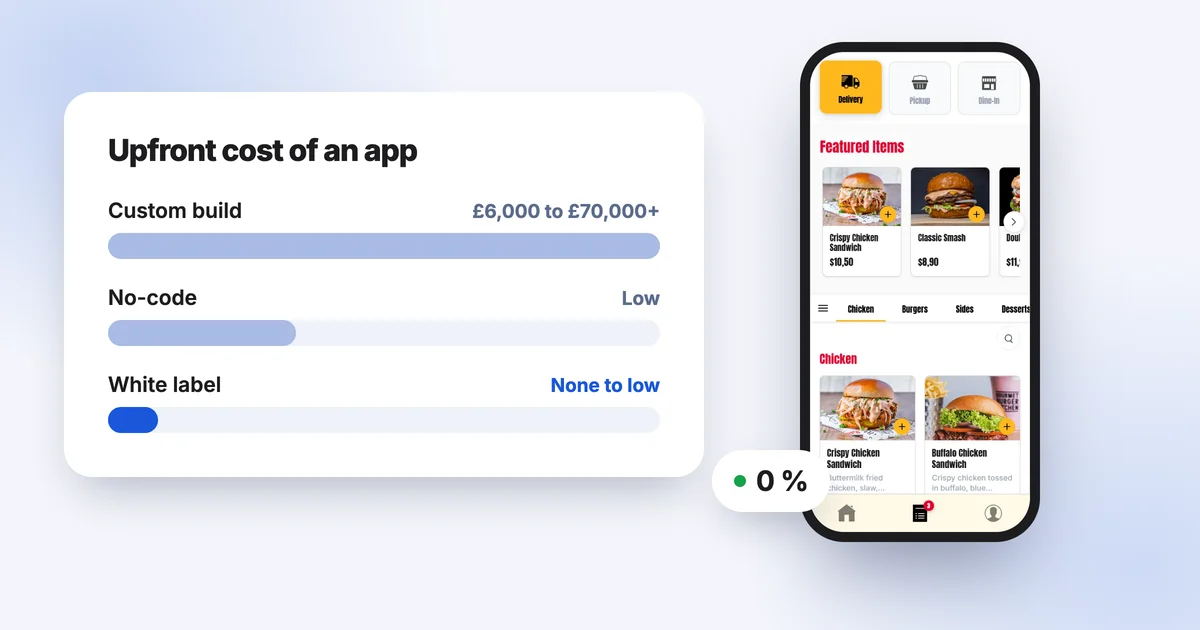
How Much Does a Restaurant App Cost in 2026? Prices, Hidden Costs and Alternatives
What a restaurant app really costs in 2026: custom development, no-code builders or a white-label subscription. Realistic ranges, hidden costs and how to compare them with delivery app commission.
How to Increase Pizza Sales: 10 Practical Ways to Grow Your Pizza Shop
Average order value, loyalty cards, quiet nights, commission-free online ordering, click and collect, Google reviews, Instagram and lunch deals: 10 practical ways to grow your pizza takeaway.
How to Launch Your Restaurant Ordering App in a Week: The Complete 2026 Guide
Launch a restaurant app in a week instead of 6 months: the complete 2026 guide to ship your website, iOS and Android apps with no developer and no insane budget.